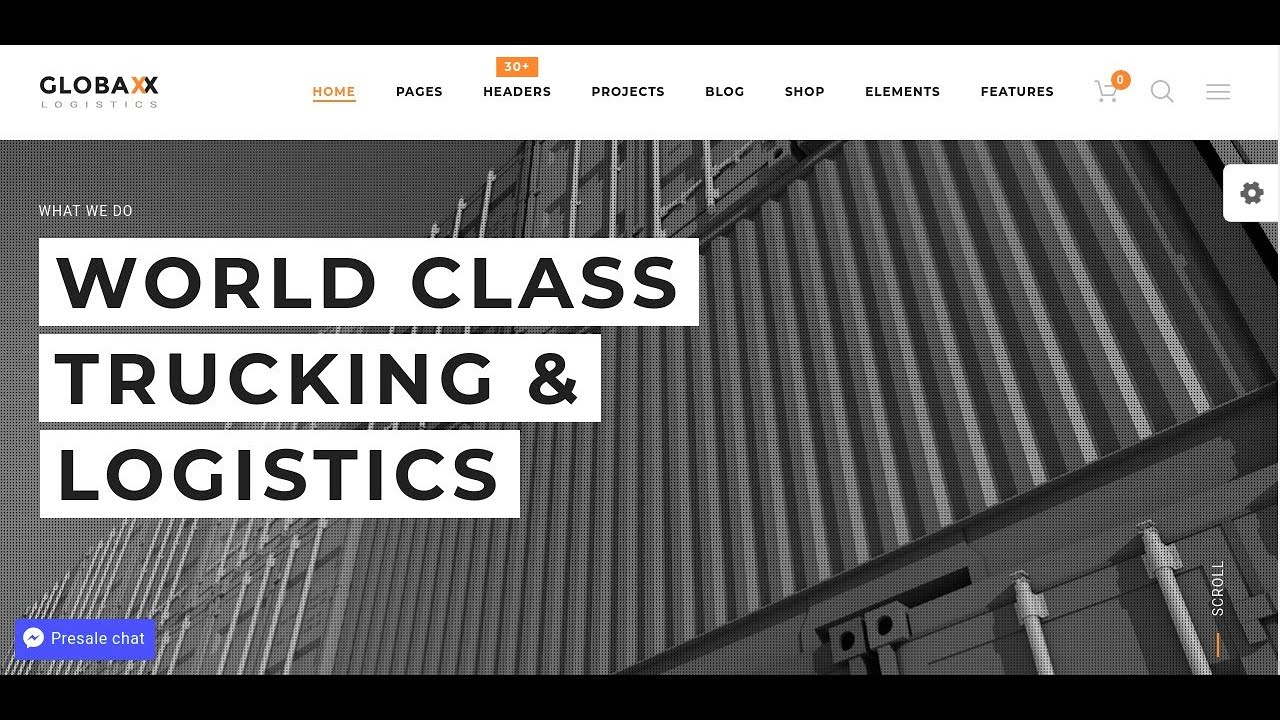
Free WordPress themes are hard to come by. Even in the official directory with thousands of options, users are told they need to carefully check for quality and security. The basic designs, which come from a diverse range of developers, are available for no cost at all. But a premium theme with similar features might sell for over $100. It is not just new bloggers trying to get their hands on them: large businesses and popular websites have been known to build powerful sites using well-coded free themes as their foundation.
How to Safely Choose and Install a Free WordPress Theme
Starting with a free theme is a smart move for many website projects. The key is to be selective and follow a safe installation process. Not all free themes are created equal; some are excellent, while others can cause performance or security problems. By taking a methodical approach, you can find a solid, reliable theme that serves as a perfect starting point for your site without risking its stability.
- Step 1: Source from Trusted Repositories Always download free themes from the official WordPress.org theme directory or from highly reputable, well-known developers. These themes are reviewed for code quality and basic security standards, offering a much safer starting point than unknown sources.
- Step 2: Evaluate Before Installing Check the theme's details page. Look at the last update date, user ratings, and number of active installations. A theme updated recently and used by many people is generally a good sign. Also, read the support forum to see how the developer handles issues.
- Step 3: Install via Your Dashboard The safest method is to install directly from your WordPress admin. Go to Appearance > Themes > Add New. You can search by name or browse featured and popular options. Click Install and then Activate. Avoid uploading theme ZIP files from unknown websites.
- Step 4: Configure and Customize Once activated, visit the Appearance > Customize section. Most modern free themes offer a range of options here for setting your site identity, colors, menus, and homepage layout. Use this area to personalize the theme to match your brand before adding content.
Are free WordPress themes safe to use?
Yes, many free WordPress themes are perfectly safe, provided you get them from the right places. The official WordPress theme directory is the gold standard, as all themes listed there must pass a rigorous review process for code quality and security. Themes from established commercial companies that offer a free version are also typically reliable, as they use them to showcase their work and attract customers for premium upgrades.
However, safety risks arise when downloading free themes from untrusted third-party websites. These themes can be bundled with malicious code, hidden links, or poorly written scripts that make your site slow and vulnerable. A compromised theme is a common entry point for hackers. It's wise to scan your WordPress site regularly for malware as a precaution, especially after installing any new theme or plugin. Always prioritize themes with positive reviews, frequent updates, and an active support community.
What is the difference between free and premium WordPress themes?
The core difference lies in support, features, and ongoing development. Free themes offer a basic design and standard customization options, which is often enough for simple blogs or brochure sites. They are a fantastic way to start and learn the platform. Premium themes, however, usually come with dedicated support from the developer, more advanced design features, built-in page builder integrations, and a commitment to regular updates for compatibility and security.
To understand the value of dedicated support, consider how it applies to other services. For instance, when choosing a platform, some users compare WordPress with alternatives like Squarespace based on their support models. With a premium theme, you're not just buying a design; you're investing in a relationship with a team that helps you solve problems. Free theme support is generally limited to public forums where responses aren't guaranteed.
| Aspect | Free Theme | Premium Theme |
|---|---|---|
| Cost | No initial cost | One-time or yearly fee |
| Support | Community forums (limited) | Direct, priority support |
| Features & Design | Basic options | Advanced layouts, demos, niche designs |
| Updates & Security | Irregular, may be abandoned | Regular, scheduled updates |
| Customization | Standard WordPress customizer | Often includes premium page builders |
Can I make money with a website using a free theme?
Absolutely. The theme is just the visual container for your content and services. Your ability to generate revenue depends on your content quality, marketing strategy, and the value you provide to your audience. Many successful bloggers and small business owners start with a free theme to minimize initial costs. There are numerous effective methods for generating income through your WordPress site, including affiliate marketing, displaying ads, selling digital products, or offering services, all of which are completely compatible with a free theme.
The critical factor is that your theme does not limit your core money-making functions. Ensure the free theme you choose is compatible with essential e-commerce plugins like WooCommerce or major ad management plugins if that's your plan. A clean, fast-loading free theme can actually be better for monetization than a bloated premium one, as site speed directly impacts user experience and search engine rankings.
How do I customize a free WordPress theme?
Most free themes offer a good amount of customization through the built-in WordPress Customizer. You can access this under Appearance > Customize. Here, you can typically modify site identity (logo, title), colors, background images, menus, and widget areas. Many also include options for homepage layout, footer text, and typography settings. This method is safe and reversible, making it ideal for beginners.
For design changes beyond the theme's built-in options, you have a couple of paths. You can use a page builder plugin like Elementor or Beaver Builder, which often work well with free themes to create custom layouts. For those working from a designer's mockup, tools that convert Figma designs directly into Elementor templates can significantly speed up the customization process. For more advanced changes, creating a child theme is the recommended professional practice, as it protects your modifications from being overwritten when the parent theme updates.
Do free themes affect my website speed?
They can, but it's not a given. A well-coded free theme from the official directory can be incredibly lightweight and fast. The problem arises with poorly coded themes that load unnecessary scripts, use heavy image files in their demos, or are simply not optimized for performance. Speed is a critical factor for user retention and SEO, so this is an important consideration.
To monitor your site's performance, it's essential to set up a website analytics tool like Google Analytics. This will help you track real-world loading times and user behavior. You can also use speed testing tools like Google PageSpeed Insights. If your free theme is slowing you down, look for optimization plugins to cache your site, optimize images, and clean up code. Sometimes, switching to a simpler, more streamlined free theme is the most effective solution for boosting speed.
Why choose WordPress over other platforms for a free website?
WordPress offers an unmatched level of freedom and ownership, even when using free themes and plugins. Unlike closed website builders, WordPress is open-source software. You have complete control over your site's design, functionality, and data. You can start for free and scale up infinitely by adding features through plugins, something more restricted platforms don't allow. The vast ecosystem means there's a solution for almost any need, often at no cost.
This flexibility is a key differentiator. For example, users who have explored blogging on platforms like Joomla often find WordPress offers a more intuitive interface and a larger selection of themes and plugins specifically for content creators. While the initial learning curve might be slightly steeper than a drag-and-drop builder, the long-term benefits of scalability, ownership, and a massive support community make WordPress the superior choice for anyone serious about building a website that can grow.
Professional WordPress Services at WPutopia
Choosing and managing a WordPress theme, free or premium, is just the