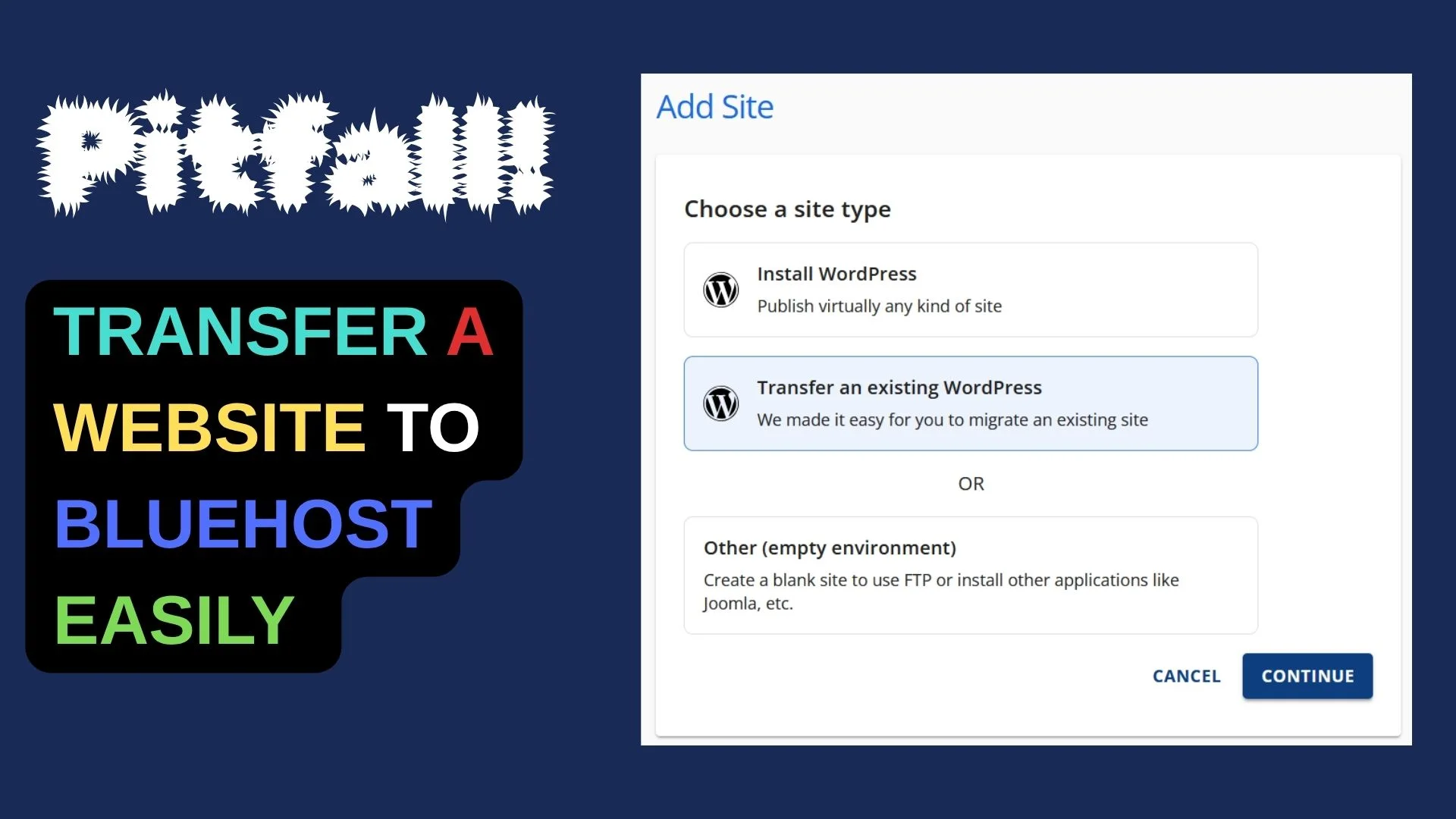
We’ve shared How to migrate a website using Bluehost’s “Transfer existing WordPress site”
The transfer tool sometimes fails. I met this “failed_to_configure_plugin” while “Connecting with your site now…”

Here’s the solution that Bluehost support gave me.
install all in one migration
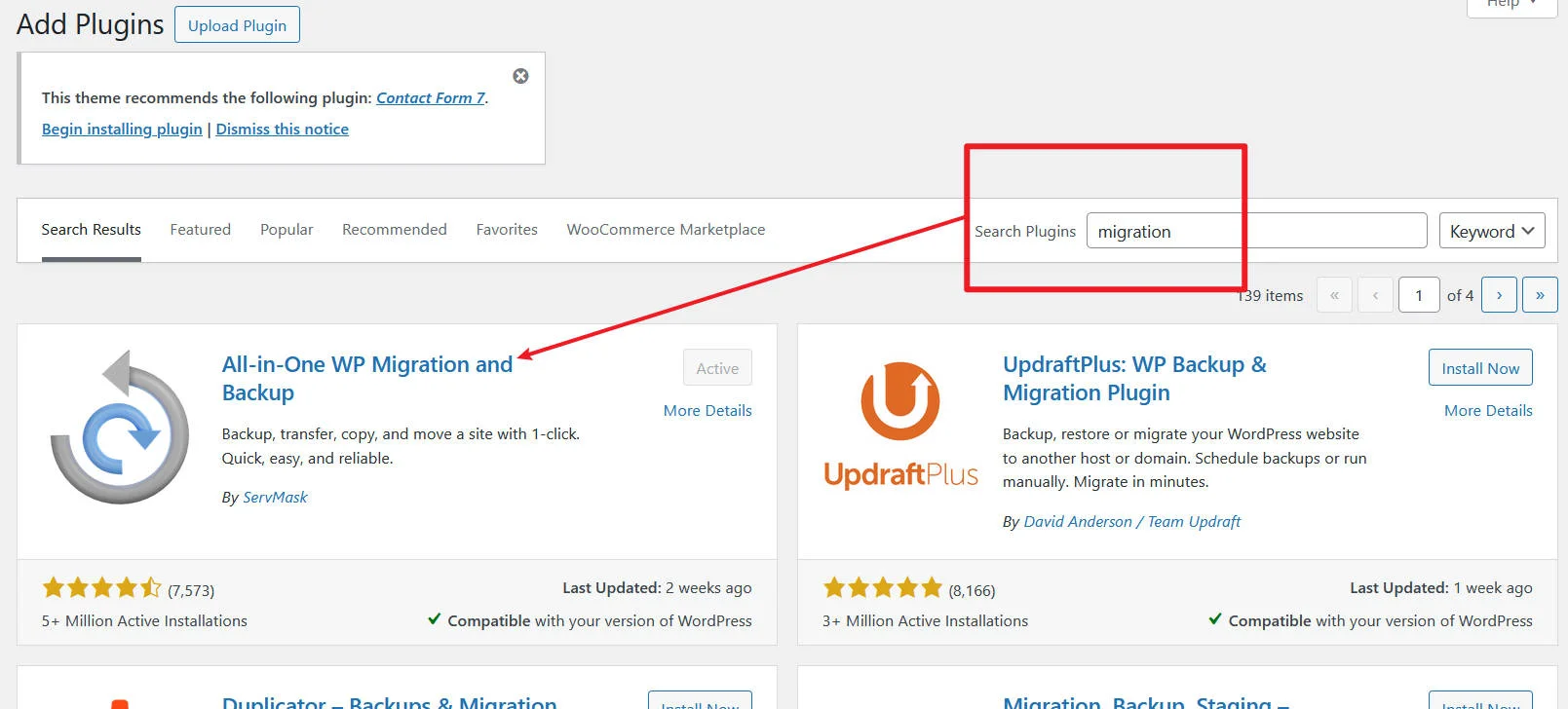
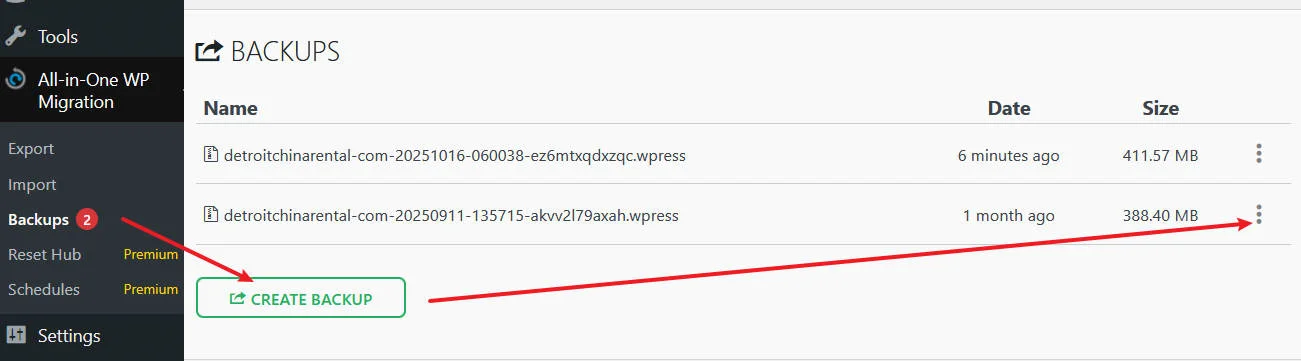
create backup and download the “.wpress” backup
You can navigate to the hosting tab >> websites >> add website >> instasll wordpress >> use temporary domain
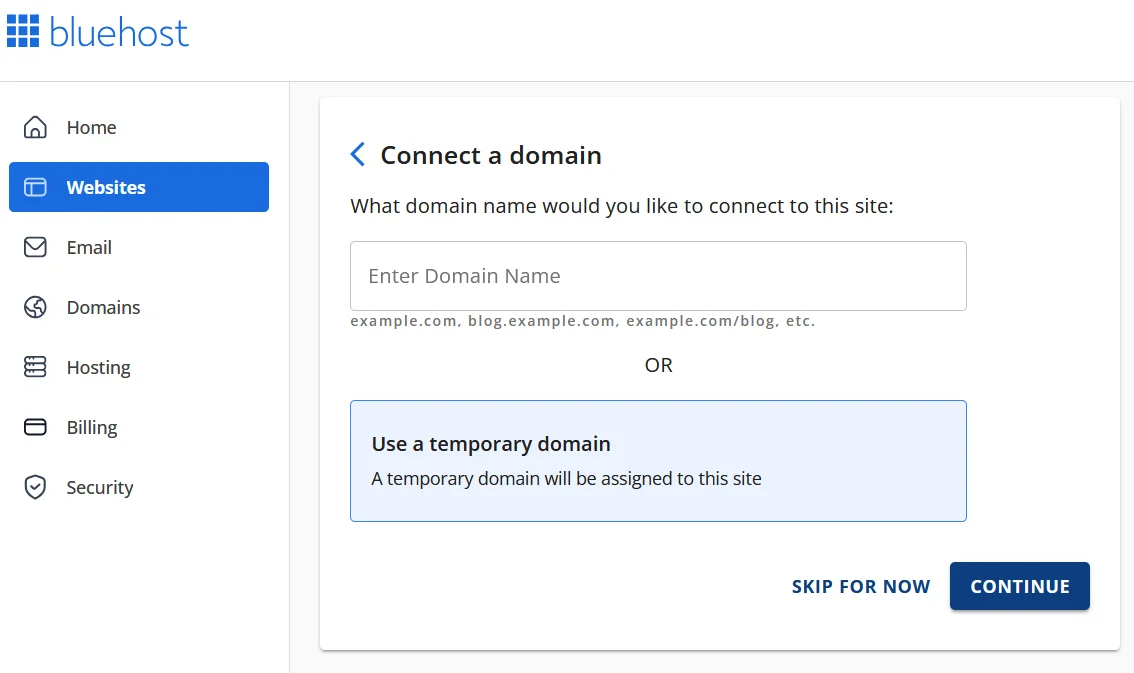
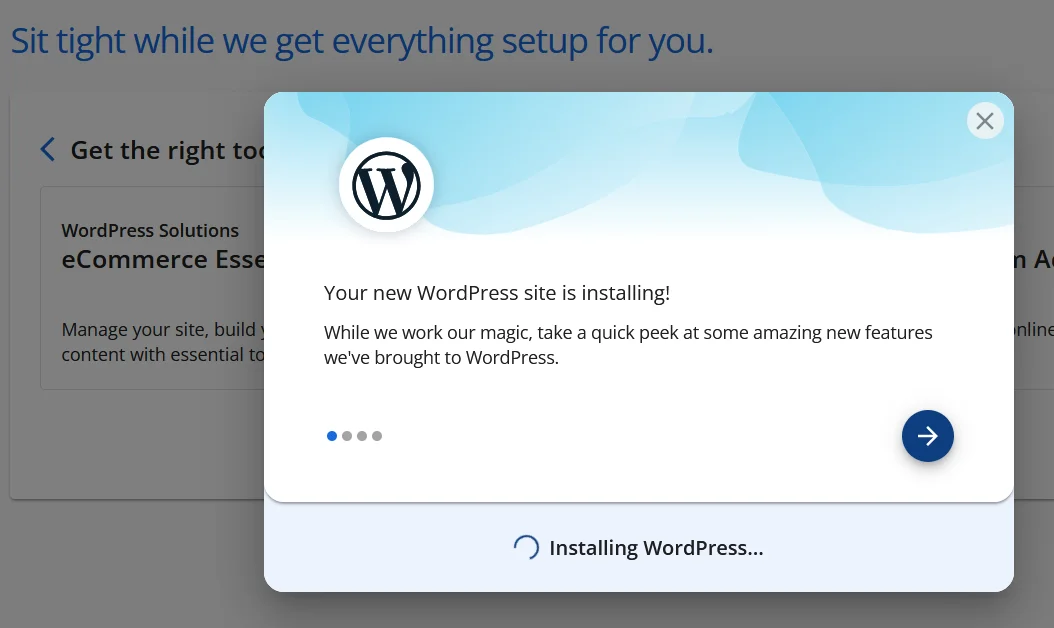
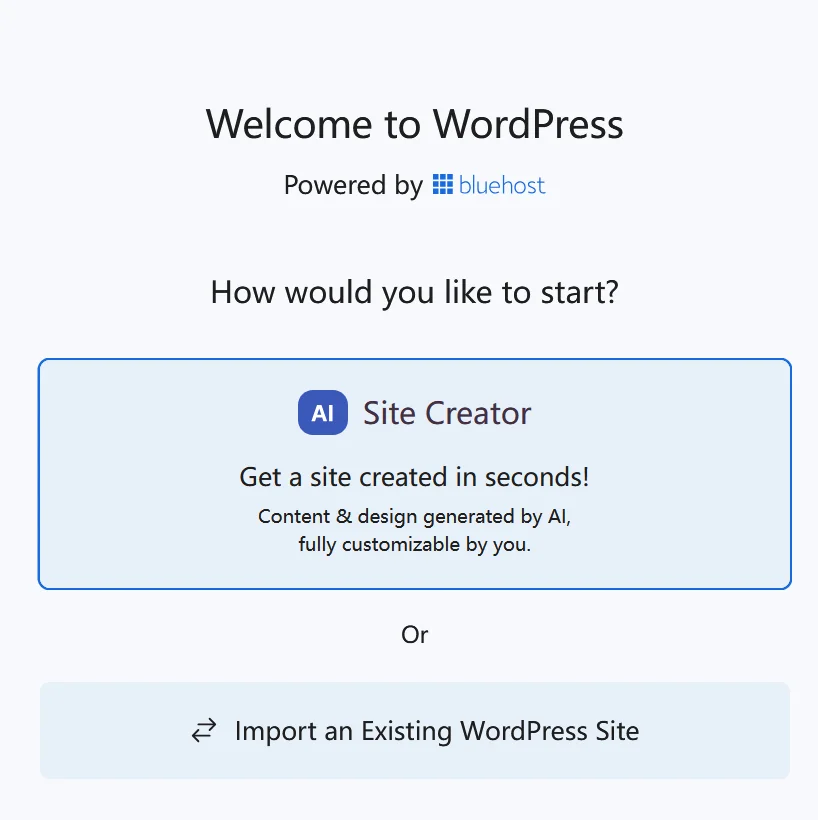
select second one, and close the wordpress >> and again navigate to the wordpress admin, it will take you to the dashboard by skipping the migration > then navigate to the plugns >> instrall the plugin and import
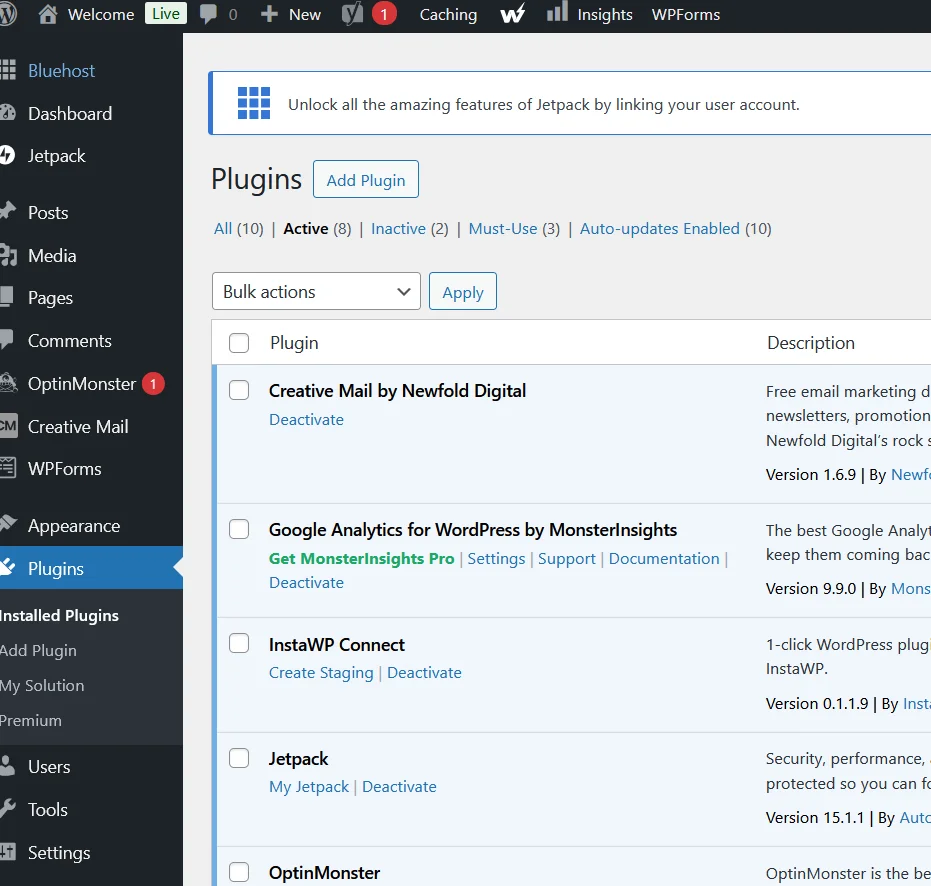
Don’t worry if there are so many plugins on the temp site.
Just install the All-in-One migration plugin and import the backup file.
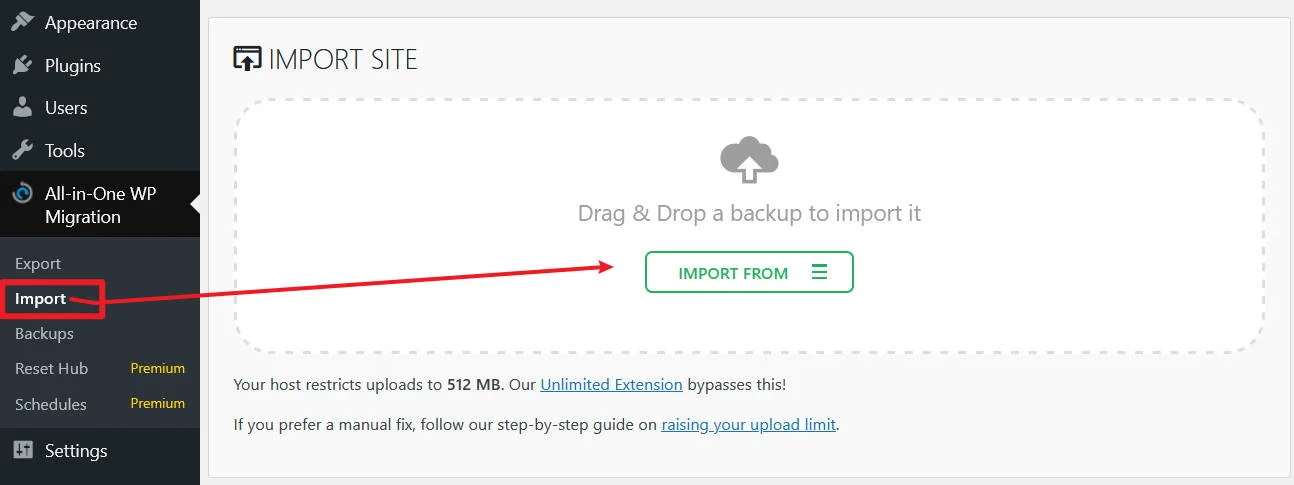
The import process will overwrite your website including the database, media, plugins, and themes. Please ensure that you have a backup of your data before proceeding to the next step.
Met this “all-in-one import 503 error”
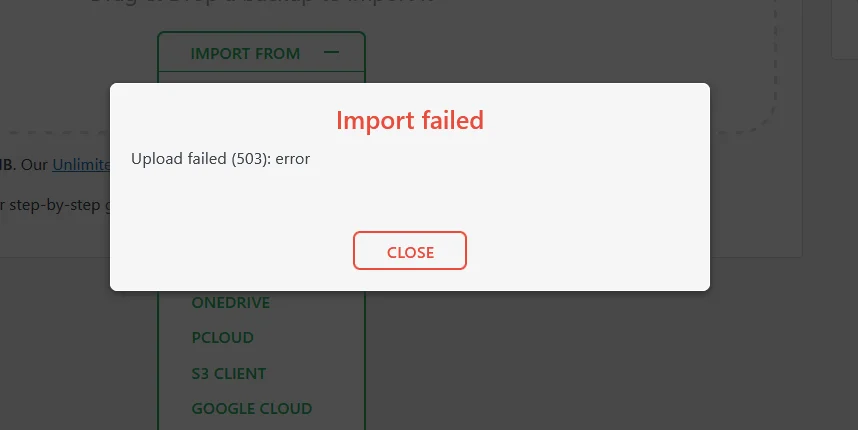

Then check to manually restore if the plugin import fails. Here’s what Bluehost told me:
Please get the website files and database backups and upload it to filemanager and contact us so we can guide you as well.
so contact the hosting provider of the site to get you the website files backup and database backups